My Solution for SANS Holiday Hack Challenge

Late last year I decided to spend some time during the holidays to work on the SANS Holiday Hack Challenge. I’ve looked at a few of their challenges in the past, but never during the actual competition period, and never going through an entire year’s challenge. I’m very happy I did. Ed & team put together an awesome narrative, full of a variety of infosec-related puzzles, covering everything from web pentesting to forensics. Now that the competition is over, I thought I’d share a copy of my solution, in case anyone wants to compare; I’m sure everyone’s process was a bit different, and it is great to have several ideas of how to solve a problem.

My write-up is themed as a pentest report, since that’s the format I am most comfortable with. I hope you enjoy it. You can download it here.

ShmooCon 15

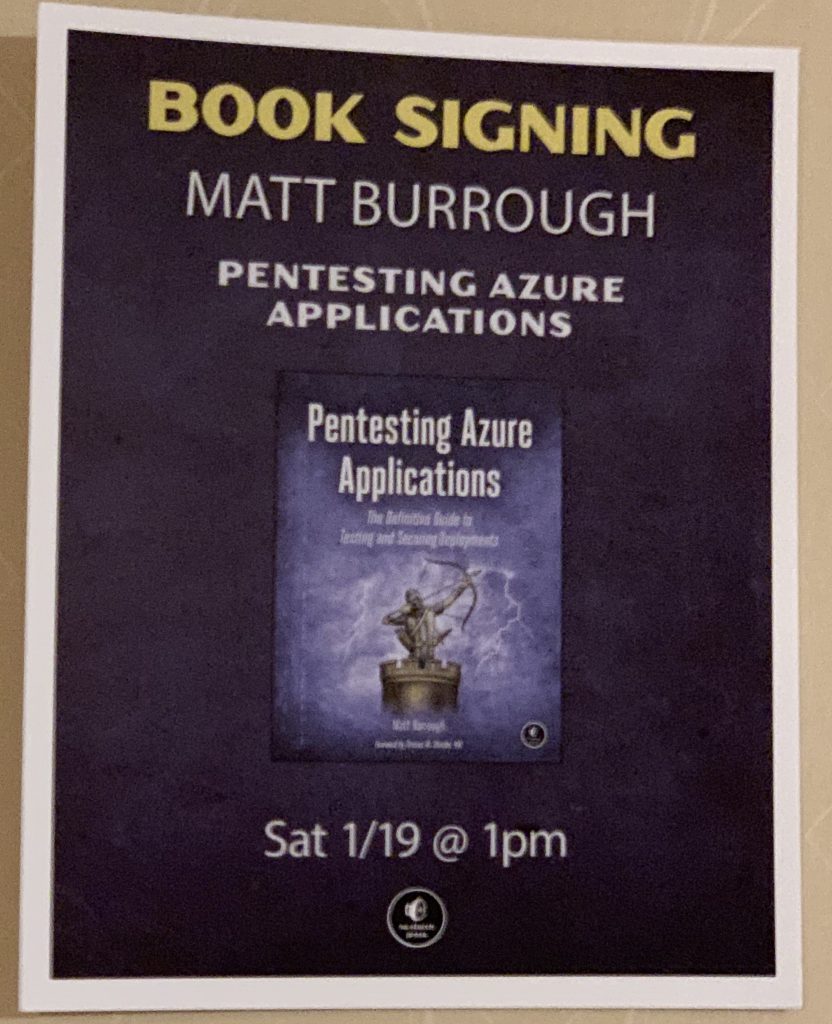
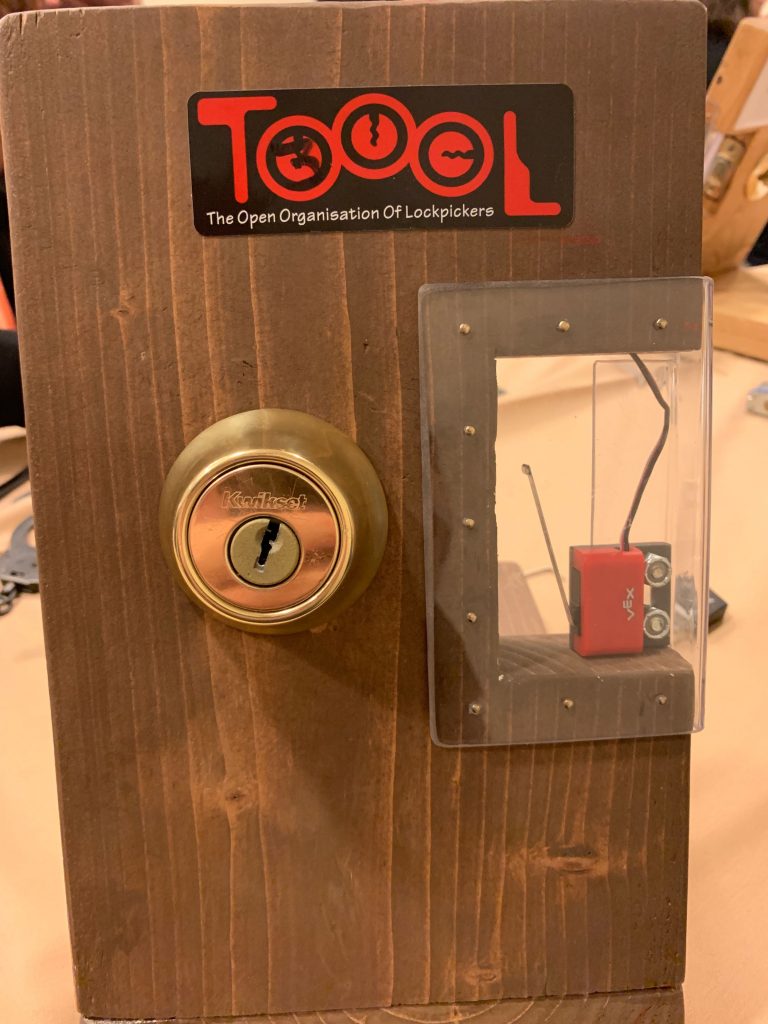
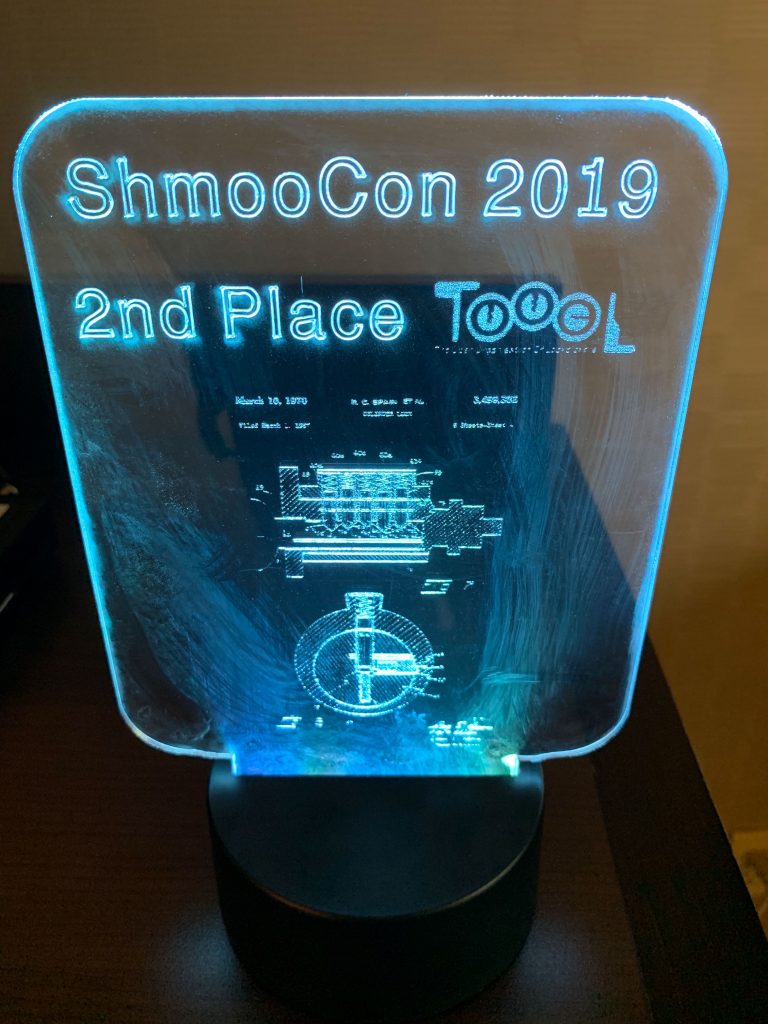
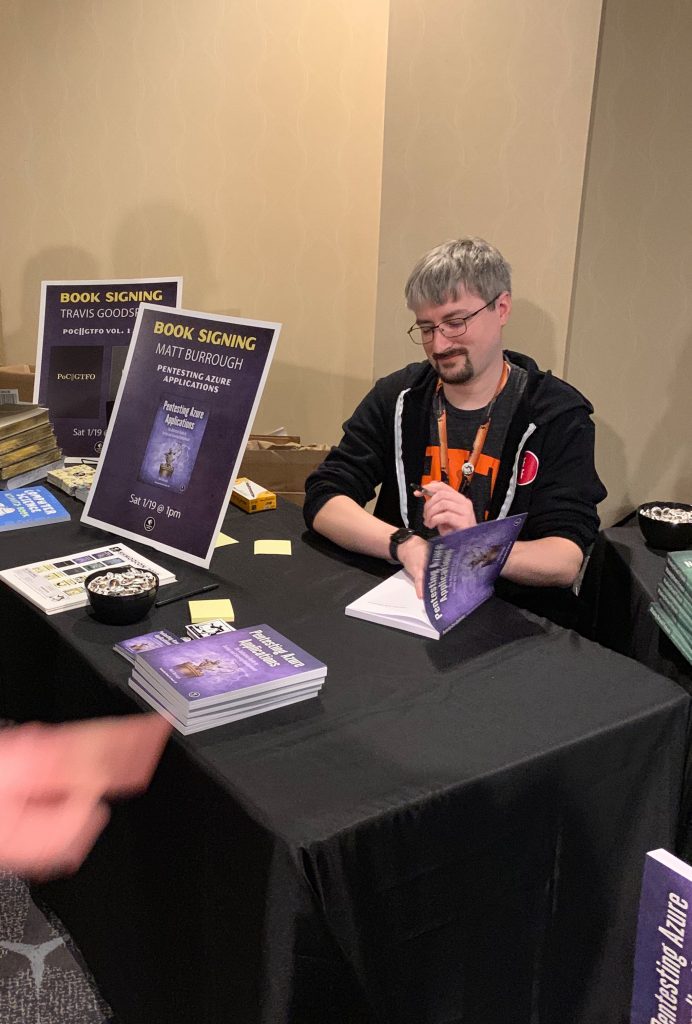
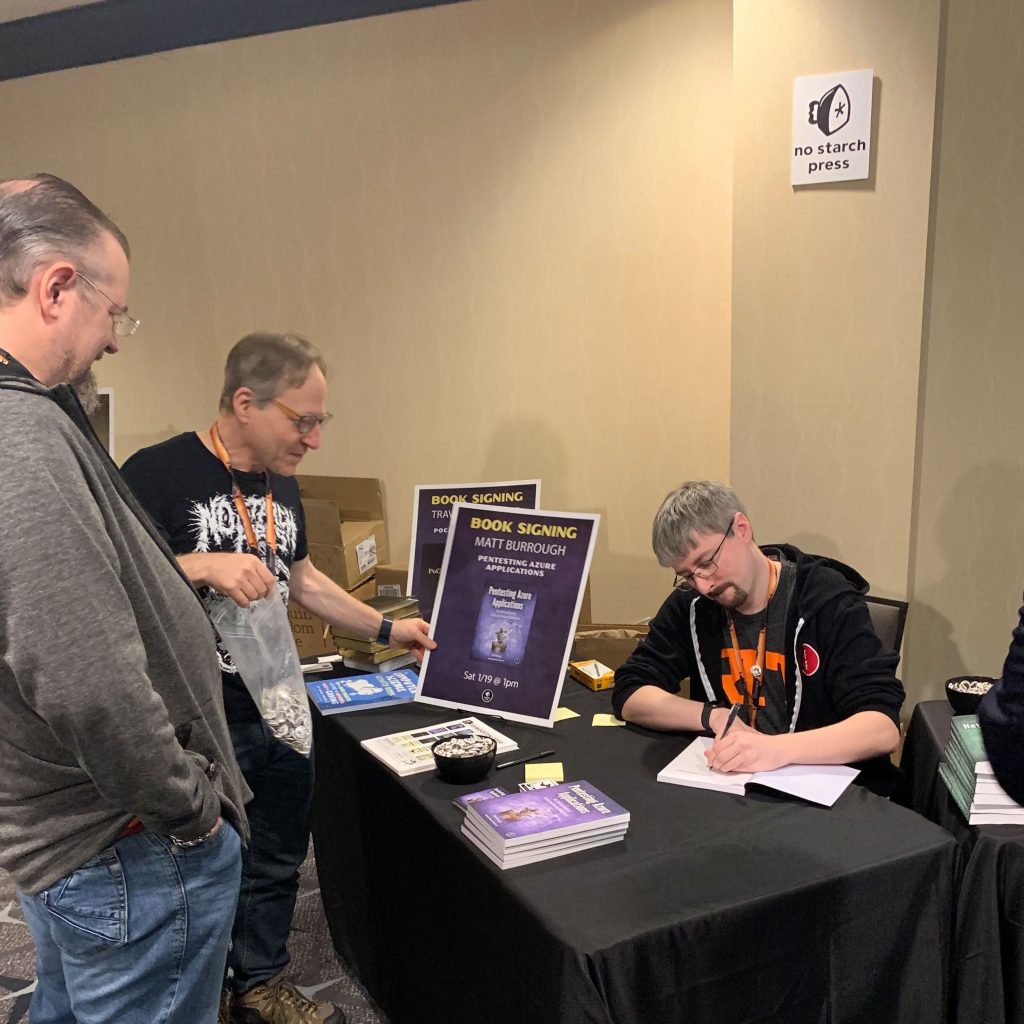
I had a lot of fun meeting many folks, catching up with old friends, and hearing some great talks at ShmooCon. I was fortunate to not only get to do a book signing at the No Starch Press booth, but also take home the second place trophy from the TOOOL DC Locksport Village! Thanks to everyone who came to the signing, or who stopped me just to say hello. I hope to see you all again soon.

Pentesting Azure Apps in a Humble Bundle!

Exciting news! My book, Pentesting Azure Applications, is in the No Starch Hacking for the Holidays Humble Bundle! For the next two weeks, a donation of $15 or more will support the EFF and get you a collection of No Starch’s security titles. Check it out!

Vote & Win a Signed Copy of Pentesting Azure Applications

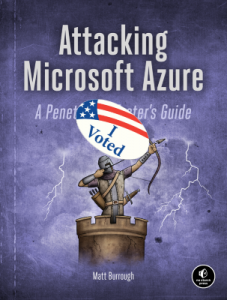
Are you excited to vote on Tuesday? To sweeten the deal, I’ll be giving away a signed copy of my book, Pentesting Azure Applications, to someone who votes! Just send me a photo showing you voted (selfie in line, “I voted” sticker, WA ballot stub, etc.) by Wednesday, 5 PM PST. I’ll randomly pick a winner. You can send it to me on Twitter @mattburrough or by email matt {at} (my last name) .org.

Join me at the Seattle Cloud Security Alliance Conference

I will be speaking next week at the 2018 Seattle Cloud Security Alliance Conference “Securing the Digital Horizon @ Cloud City”. My talk is Best Practices for Securing Cloud Deployments, where I will be discussing some key threat vectors against cloud deployments, and the various ways you can mitigate the risks.

The conference is in Bellevue on September 21st. More information and registration is available at csaseattlechapter.org.

Lock Picking Timer

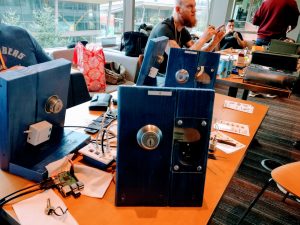
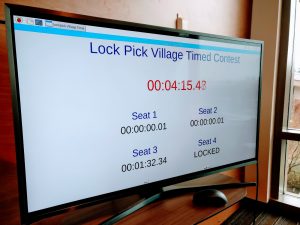
I recently built a timed lock picking competition, based on a similar design created by @dossman33. It consists of four deadbolts (plus two spares), all pinned identically, that, when opened, trigger a switch wired to a Raspberry Pi. The Pi has a UI written in Python that shows the current elapsed time, plus the time that each station opened. I’ve shared the code at https://github.com/mburrough/locktimer.


(BSides Lockpick Village images from @deviantollam)

Continue Reading“Lock Picking Timer”

Master Key Collusion Attack Simulator

As both a locksport enthusiast and a professional red teamer, I spend a good deal of time thinking about locks. One fascinating subset of locks is master keyed systems. These are primarily used by large businesses to create a hierarchy of locks and keys: individuals can have a key that works for the building front door and their own offices, managers can have keys that work on any of their subordinates’ offices, janitors can have keys to their assigned floors’ offices, while security guards and maintenance can have keys to any room.

Depending on how these systems are implemented, they may suffer from an inherent weakness. Often, the bitting (key cuts) used for the top master key (e.g. the one used by security) cannot be used in any individual user key. For example, if the top master key code is 6-3-4-2-2, a valid user key may be 4-1-6-4-5, but could not be 4-1-6-2-5. This means that given the codes for enough user keys, an attacker could eliminate most/all possibilities except for the master key bitting, thereby decoding the master key.

This may sound like it would take a large number of keys to find the master (especially for keys with 6 or 7 cuts and 7+ possible cut depths per position), there is another feature of many key systems that helps narrow the space: MACS. MACS are the Maximum Adjacent Cut Specification for a given brand/model. These are standards that say a key cannot go from a very small cut in one position to a very large cut in the next position, as the key could be too weak and might break off in a lock (or pocket, or purse).

Similar to MACS, some systems also restrict user keys from being within a certain offset (e.g. +/- 1) of the master. In such a system, 4-1-6-1-5 might also be invalid with the above example master key.

For this kind of attack, the attacker would either need to covertly view users’ keys and eliminate cuts, or work with insider co-conspirators to view their keys. But would the number of keys needed to be viewed be feasible? To answer this, I created a computer model that simulates the attack and displays the number of keys needed for that attack. Simply input the specifications for the key system in question, plus the number of runs desired for the model, and it will display the average, minimum, and maximum number of keys needed across the test executions.

You can get the code from https://github.com/mburrough/MasterKeySim.

PenTesting Azure Applications

I’m excited to announce my first book, PenTesting Azure Applications, is available for preorder from Amazon and No Starch’s site. This title aims to provide a reference guide for security professionals looking to assess cloud deployments. It offers practical advice for how to properly lock down subscriptions and their services, and make use of Azure’s monitoring and security features.

Don’t Believe Everything You Read

This is an archive post of content I wrote for the NTDebugging Blog on MSDN. Since the MSDN blogs are being retired, I’m transferring my posts here so they aren’t lost. The post has been back-dated to its original publication date.

Recently, I was contacted by a customer who was advised by an ISV to set a registry value under one of the sub keys in HKEY_LOCAL_MACHINE\SYSTEM\CurrentControlSet\Control\Session Manager. Let’s call it UseQuantumComputing = 1 (value name has been changed to protect the ISV). The customer wanted to know what this value actually did and no one could find any documentation explaining it. These issues often come to our team because we have access to the Windows source code. I did a bit of code review to find out what this value does. As it turns out, nowhere in Windows source code between Windows 2000 and Windows Server 2012 do we ever check for or set UseQuantumComputing.

I can think of a few reasons the ISV would suggest setting this value. Perhaps they were under the impression this did something but got confused about the value name. It’s possible they hoped making a registry change would have a placebo effect. Or, perhaps their software actually checks this value, not Windows.

The latter of these possibilities is probably the worst case scenario. An ISV should not create a registry value inside of keys used for Windows’ own internal use. Why? The first reason is that there’s no guarantee that Microsoft won’t end up coincidentally using that same value name later. This would cause a conflict between the two users of the value. Second, we have to consider the scenario where two different ISVs both decide to use the same value. That would be bad too. Lastly, there’s no guarantee that the key in use will still exist in later versions, or that it will be writable or readable by the ISV due to permission changes. In addition to all these reasons, there is the common sense issue that it is just confusing. Now the ISV’s software and uninstaller needs to look all over the registry, not just in their own keys.

On a similar note, I also recently had a case where a “Windows Tips” blog (not created, endorsed, or run by Microsoft) suggested using a registry value that was implemented in Windows but was not documented by Microsoft. It turns out this value wasn’t thoroughly tested (because it was undocumented and wasn’t intended to be used in production), and using it would cause server hangs under certain conditions. These hangs were only discovered after a large customer decided to implement the undocumented value across their enterprise.

Here are a few tips for IT Pros, developers, and users alike:

  • Don’t implement random registry settings if you can’t find documentation for that setting on an official Microsoft site, like MSDN, TechNet, or support.microsoft.com(information on forums or answer boards (e.g. social.*.microsoft.com or answers.*.microsoft.com) is not official documentation). At best these unknown registry settings they will do nothing, at worst they will cause you headaches later.
  • If a key/value isn’t documented, changes to it likely are not tested, and could put your machine in a state that makes it difficult or impossible to support.
  • If you are a developer, keep any of your registry settings in your own key. Don’t pollute in others’ keys.
  • If an ISV or Microsoft suggests you implement a setting, make sure you understand the implications of that setting.

I’ll leave you with the warning displayed in many of our KBs – it’s there for a reason!

WARNING: If you use Registry Editor incorrectly, you may cause serious problems that may require you to reinstall your operating system. Microsoft cannot guarantee that you can solve problems that result from using Registry Editor incorrectly. Use Registry Editor at your own risk.”

Microsoft KB Registry Warning Message

-Matt